Advanced features
InfraMap: Service Dependency Mapping
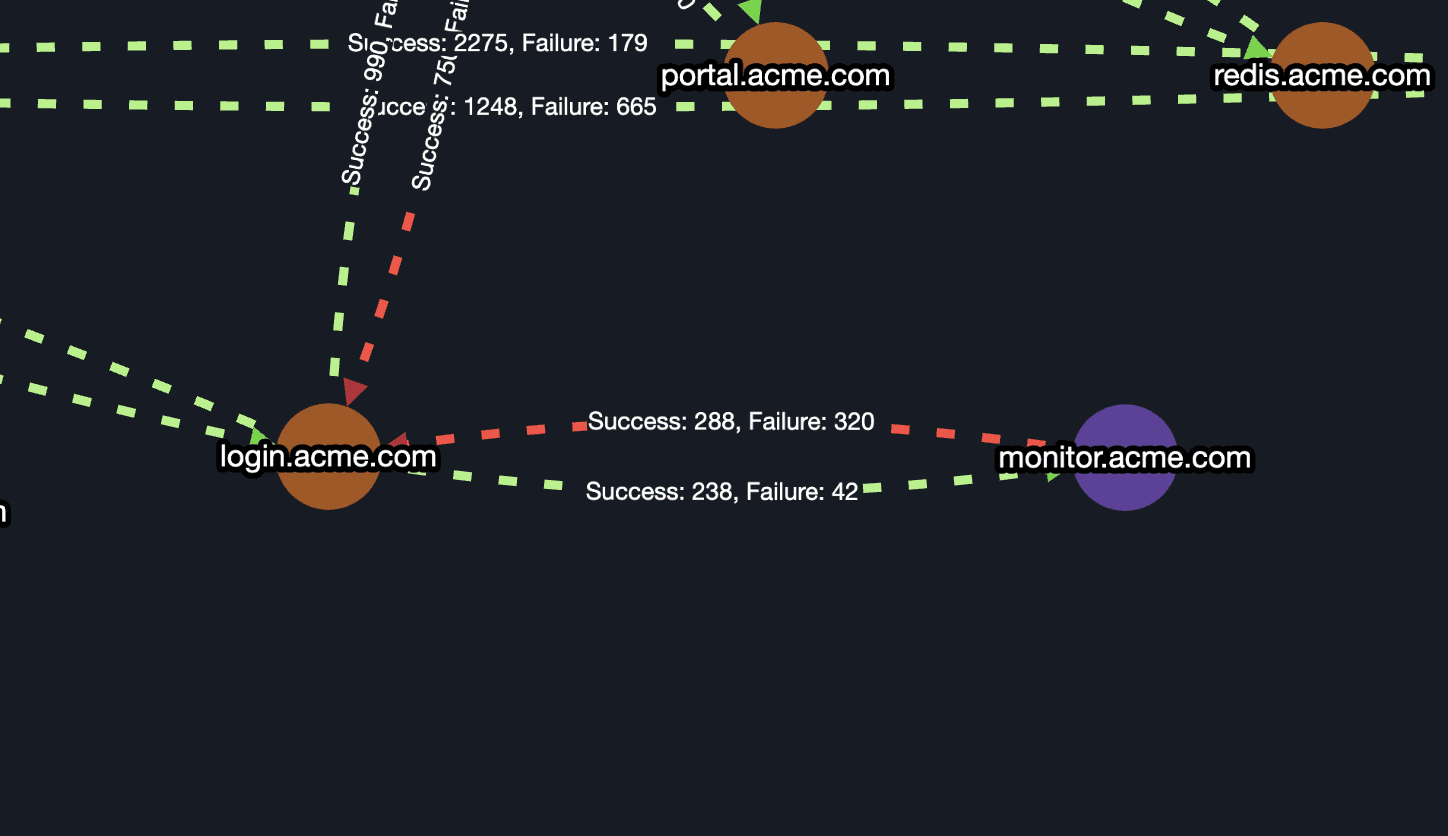
Explore connections between your servers, containers and services, including dependencies, protocols and connection paths.
Key Features
Top Heavy Dependencies: Automatically discover and highlight top 3, 5, or 10 most connected services.
Service-to-Service Insights: Understand how services interact and depend on each other.
Port and Protocol Discovery: Identify which ports and protocols are being used across endpoints.
Live Updates: InfraMap reflects your infrastructure in real time based on integrated tools and traffic.
Download Report: Export visual maps and service data for audits, documentation, or incident reviews.
How to Use InfraMap
Step 1: Navigate to InfraMap from the left sidebar.
Step 2: Click settings “*” button and download InfraMap agent for your operating system.
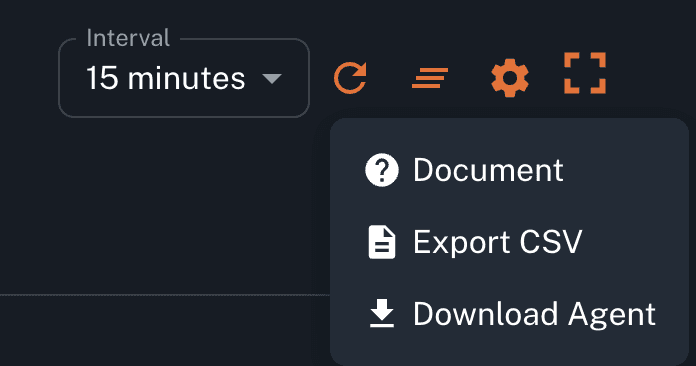
Step 3: You can follow InfraMap Documentation for Agent setup guide.
Full documentation for InfraMap and Dependency Mapping: https://portal.parny.io/dashboard/parny-inframap/document
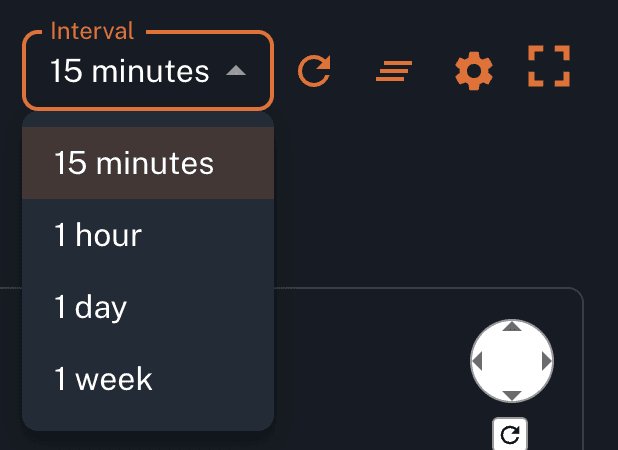
Step 4: Select a time interval for mapping the data.
Step 5: Choose filters like environment, service tags, or connection types.
Step 6: Use the zoom and drag features to explore large maps.

Step 7: Click any node to view service success and failure alert history.
Use Case Examples:
Identify servers, containers or services that are overly connected to other components, revealing performance bottlenecks or poor architectural design.
Analyze critical path traffic to discover latency-sensitive or high-risk service links.
Uncover unexpected port or protocol usage that may lead to compliance issues or insecure communication. which could be a performance bottleneck, a potential security risk, or a sign of poor architectural boundaries.
Detect unmonitored services that have no alert history, helping uncover blind spots in your observability stack.
Compare dependency maps across different environments (e.g., staging vs production) to detect configuration drift.
Locate protocol or port usage anomalies that could indicate misconfigurations or non-compliant communication paths.
Highlight overly dependent services that could impact reliability in high-traffic scenarios.