
Alert fatigue is a condition where engineers and on-call teams become desensitized to alerts due to high volume, low relevance, or missing context, leading to slower response times, higher MTTR, and increased risk of unresolved incidents.
In modern monitoring systems, teams observe infrastructure, applications, APIs, containers, databases, and third-party services through dozens of independent tools. Each layer generates its own signals, thresholds, and alerts. Over time, the number of notifications grows faster than any human team's ability to interpret them under pressure.
Alert fatigue does not emerge because engineers stop caring. It emerges because the system produces more signals than meaningful decisions.
Modern production environments are noisy by default. Teams run more services, ship more frequently, depend on more third parties, and observe everything through layers of tools. In that environment, alert fatigue becomes an operational reality rather than a personal failure.
In earlier system architectures, it was often possible to draw a relatively straight line from one metric to one failing component. Today, incidents are rarely that contained. A failure might start in an upstream API, surface as latency across multiple services, trigger retries, back up queues, and eventually appear as a broad system slowdown. Alerts still fire, but each alert carries less meaning on its own.
The gap between "something is noisy" and "what should we do right now" is where alert fatigue takes hold.
What is alert fatigue?
Alert fatigue is not simply about receiving too many alerts. It is the operational state where alerts lose their ability to drive fast, confident action.
When teams repeatedly receive alerts that are unclear, non-actionable, or disconnected from actual impact, responders adapt. They delay acknowledgment, deprioritize pages, or wait for additional confirmation before acting. Over time, this behavior becomes normal.
In DevOps and SRE environments, alert fatigue is especially dangerous because it directly increases time to detection, time to diagnosis, and overall incident duration.
Why alert fatigue happens in modern systems
In modern DevOps and platform engineering organizations, services are distributed, dependencies change frequently, and ownership is rarely static. Monitoring systems observe infrastructure, applications, networks, databases, and third-party services independently.
Each layer generates its own signals.
What used to be a single alert is now often dozens of loosely related signals arriving within minutes. Engineers must reconstruct the incident story manually while systems are already degraded.
This cognitive gap is the core driver of alert fatigue.
Alert fatigue vs monitoring noise
Monitoring noise is a property of signals. It includes false positives, flapping checks, poorly chosen thresholds, or alerts that do not reflect user impact.
Alert fatigue is a property of the operating model and the humans inside it. It shows up when responders can no longer consistently answer basic questions under time pressure:
Is this alert actionable right now?
Who is responsible for acting on it?
What changed recently?
What is actually impacted?
How urgent is this compared to other signals?
Noise contributes to fatigue, but fatigue often persists even after some noise reduction. The underlying issue is frequently missing context and unclear ownership, not just alert volume.
Alert fatigue vs burnout
Burnout is broader and can be caused by workload, culture, autonomy, chronic stress, and organizational factors.
Alert fatigue is narrower and operational. It is the learned behavior of deprioritizing alerts because experience has shown that many alerts do not lead to meaningful action, or that acting requires too much manual investigation to be practical while on call.
In that sense, alert fatigue is an adaptation. It forms in systems where:
Alerts are not consistently actionable
Investigating alerts is time-consuming
Ownership is ambiguous
The same event notifies many people
Services fail in fragmented, multi-signal ways
Common causes of alert fatigue
Across monitoring systems and incident response organizations, alert fatigue usually emerges from a combination of these factors:
Non-actionable alerts that do not map to a decision
Missing or outdated service ownership
Fragmented monitoring tools and dashboards
Lack of dependency and impact context
Duplicate alerts sent to multiple teams
Flapping checks and unstable thresholds
Example scenario
A payment service slows down. Within three minutes: latency alerts, retry storms, queue backups, database saturation all firing at once. Five teams paged, no one knows which dependency failed first. Parallel investigations begin while customers already notice. By the time coordination forms, the damage is done. This is not an edge case. This is how alert fatigue takes hold.Common fixes and where they break down
Most teams try to fix alert fatigue by improving alerting rules. That often helps, but rarely solves the problem on its own.
Threshold tuning
This is the default response: adjust thresholds, extend evaluation windows, add suppression rules.
It helps when:
Baselines are stable
A single metric closely reflects user impact
System behavior is predictable
It fails when:
Workloads vary significantly across customers or time zones
Latency and errors have multiple causes
Retries, queues, or caching hide early signals
The most important failures are dependency-related rather than threshold-based
In many systems, threshold tuning reduces noise but does not improve understanding.
Dashboards and runbooks
Dashboards and runbooks are valuable, but their usefulness depends on how they are accessed during an incident.
They help when:
Responders already know where to look
Failure patterns are familiar
The system is well understood
They fail when:
It is unclear which dashboard applies
The incident spans multiple services or teams
The failure mode is new or emergent
Runbooks assume conditions that are not true during the incident
Alert fatigue is primarily a triage problem, not an investigation problem.
Adding more tools
Teams often respond by adding tools for tracing, logging, correlation, ticketing, or incident communication.
This helps when:
The tool genuinely reduces search cost
Integrations are consistent and maintained
It fails when:
Tool sprawl increases cognitive load
Each tool uses a different service or ownership model
Integrations drift over time
Responders still have to manually reconstruct the incident story
More tools reduce fatigue only when they reduce fragmentation.
On-call rotation changes
Adjustments such as shorter shifts or larger rotations can reduce individual burden.
They help when:
Alert quality is already reasonable
The primary issue is sustained personal load
They fail when:
Signals remain unclear
Many pages are non-actionable
Ownership is ambiguous
Rotation changes reduce pain without improving response quality.
A layered model for reducing alert fatigue
Alert fatigue rarely has a single root cause. It usually emerges when several small gaps align.
Signal quality
Goal: reduce alerts that are inherently non-actionable.
Practical actions:
Remove alerts that do not map to an operational decision
Separate early warnings from paging alerts
Treat flapping as a bug, not a normal state
Prefer symptom-based signals tied to user impact
Limitations:
Some noisy signals remain useful for investigation
User impact is not always directly observable
Routing and ownership
Goal: ensure alerts reach the smallest responsible set of responders.
Practical actions:
Define service ownership clearly
Route alerts to owning teams by default
Escalate only after lack of acknowledgment
Avoid paging broad groups
Limitations:
Ownership changes frequently
Shared components blur boundaries
Context packaging
Goal: reduce the time required to understand what an alert means.
Practical actions:
Attach recent changes such as deploys and configuration updates
Include dependency information
Group related signals
Provide brief explanations
Limitations:
Metadata can be incomplete
Correlation is probabilistic
Instrumentation gaps create blind spots
Incident progression
Goal: prevent repeated work and fragmented understanding.
Practical actions:
Record key events and actions
Make investigation visible to all responders
Maintain a single incident timeline
Limitations:
Documentation degrades under pressure
Heavy process is often resisted
Where Parny fits
Parny does not try to eliminate alerts. It tries to make alerts interpretable.
Some modern incident platforms reduce alert fatigue by changing how alerts are interpreted, not just how many alerts are sent.
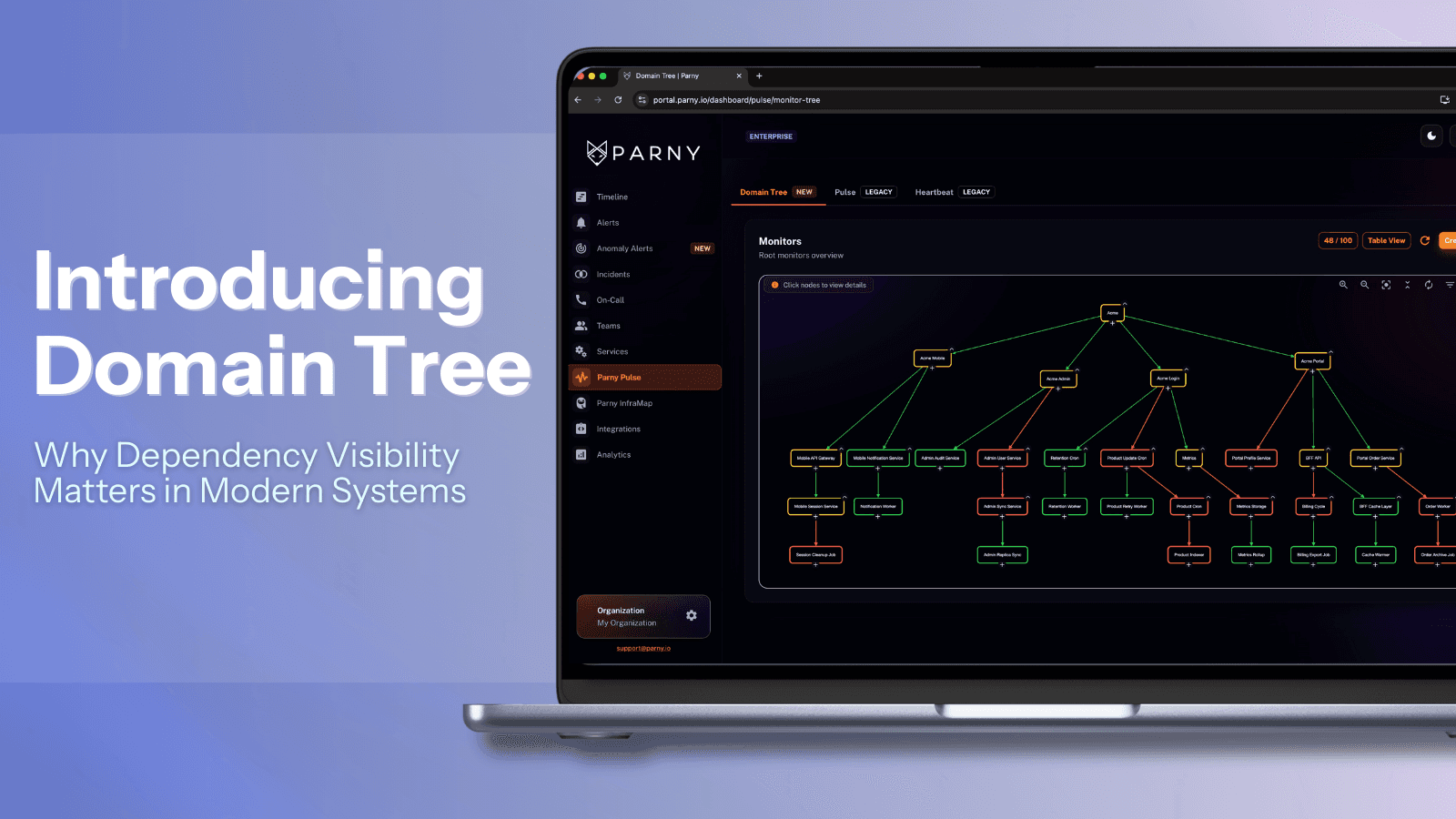
Parny is designed around building a shared operational view where alert signals, service context, ownership, and timing are visible together.
In practice:
Alerts are routed based on service ownership and on-call rules that reflect how teams actually work
Related signals are grouped so responders see an incident forming rather than isolated alerts
An incident timeline captures what changed and what actions were taken
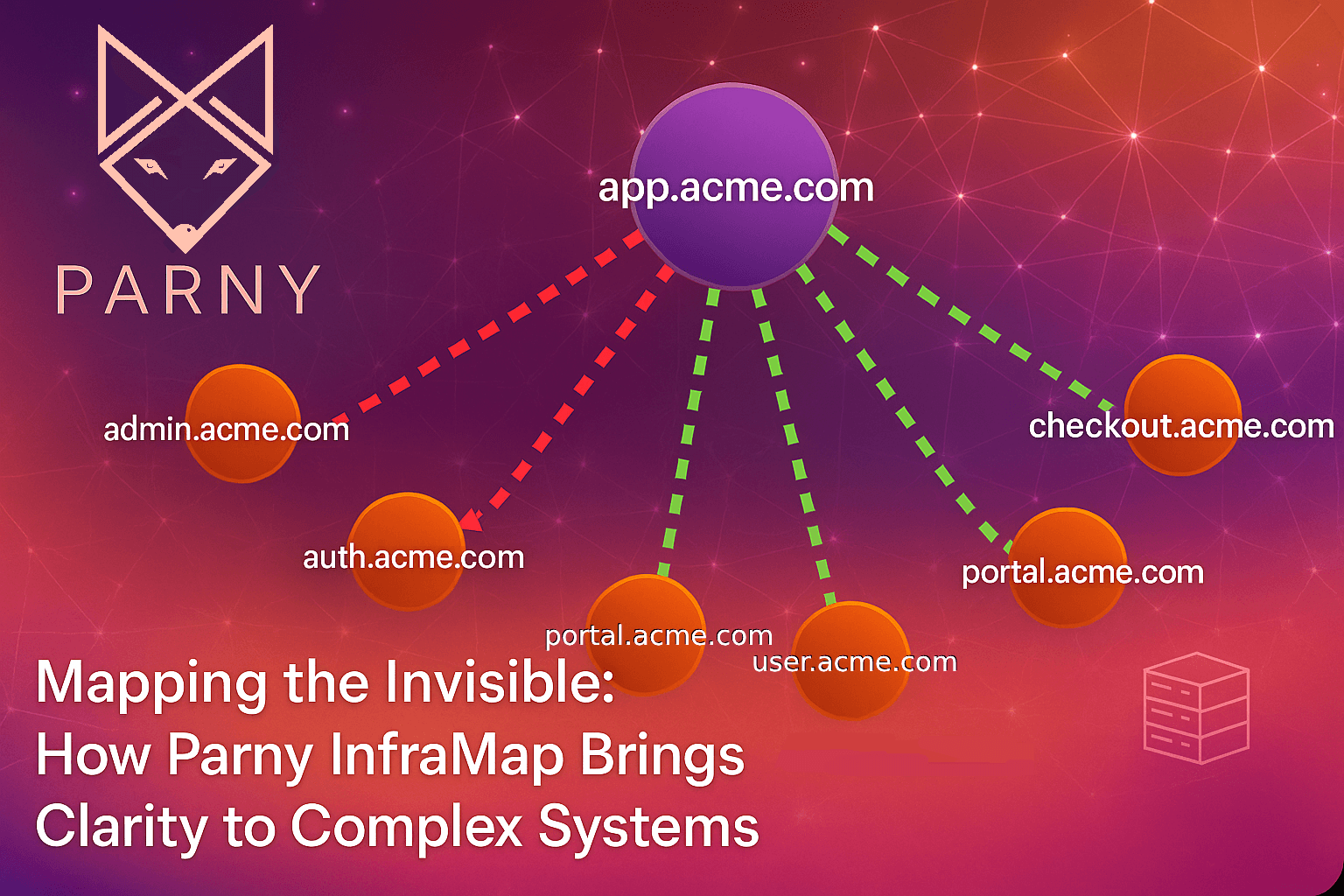
Real-time service and dependency visibility helps teams assess impact before escalation
This does not replace disciplined alert design. It reduces the cognitive cost of triage when incidents span multiple services and teams.
How alert fatigue shows up in real teams
"The pager is always wrong"
Responders assume alerts are false positives.
Results:
Slower acknowledgment
Longer time to first meaningful action
Higher risk of missing critical incidents
"Everyone gets paged, so no one owns it"
Results:
Parallel investigations
Repeated work
Communication overhead
"We only react when customers complain"
Results:
Detection shifts to support
Incidents surface later
Reliability becomes reactive
"We fixed the thresholds, but incidents still take too long"
Results:
Signals remain disconnected
Dependencies are unclear
Engineers reconstruct failures manually
Self-assessment checklist
You likely have alert fatigue if:
You are paged for non-actionable issues
False positives or flapping alerts are common
On-call time is spent interpreting alerts
One incident triggers many unrelated alerts
Ownership is unclear
Customers detect incidents first
Primary bottleneck: signal quality
If a small number of alerts dominate paging.
First step: audit paging alerts and remove non-actionable ones.
Primary bottleneck: routing
If multiple teams are paged for the same issue.
First step: enforce ownership-based routing.
Primary bottleneck: context
If alerts are correct but hard to understand.
First step: attach change and dependency context.
Primary bottleneck: incident progression
If investigation is repeated across responders.
First step: introduce a shared incident timeline.
Frequently asked questions about alert fatigue
What causes alert fatigue?
High alert volume, missing ownership, fragmented monitoring tools, lack of context, and unstable thresholds.
How do you measure alert fatigue?
Common indicators include pages per on-call shift, ignored alerts, false positive rate, time to first action, and MTTR.
Is alert fatigue the same as burnout?
No. Alert fatigue is operational and system-driven. Burnout is organizational and personal.
How can teams reduce alert fatigue?
By improving signal quality, enforcing ownership, packaging context, and maintaining a shared incident narrative.
What tools help prevent alert fatigue?
Incident management platforms, dependency mapping tools, and ownership-aware alert routing systems reduce triage cost when properly integrated.
Closing thought
Alert fatigue is not a failure of attention or commitment. It is the predictable outcome of asking humans to interpret fragmented signals under time pressure without reliable context or ownership.
Reducing alert fatigue means treating incident response as a system:
Improve signal quality
Make ownership explicit
Package context to speed triage
Preserve a coherent incident story
The goal is not fewer alerts. The goal is faster understanding.