
What is happening to Opsgenie
Atlassian stopped selling Opsgenie on June 4, 2025. Existing customers can keep using it until April 5, 2027. On that date Opsgenie will be shut down, and any data that has not been moved will be deleted. Atlassian’s own migration path is Jira Service Management (Atlassian: Migrate from Opsgenie).
That gives every Opsgenie team the same decision: move to Jira Service Management, or choose another on-call and incident platform before April 2027. If you are evaluating an Opsgenie alternative, the steps below show what moving to Parny involves.
Why Opsgenie teams evaluate Parny
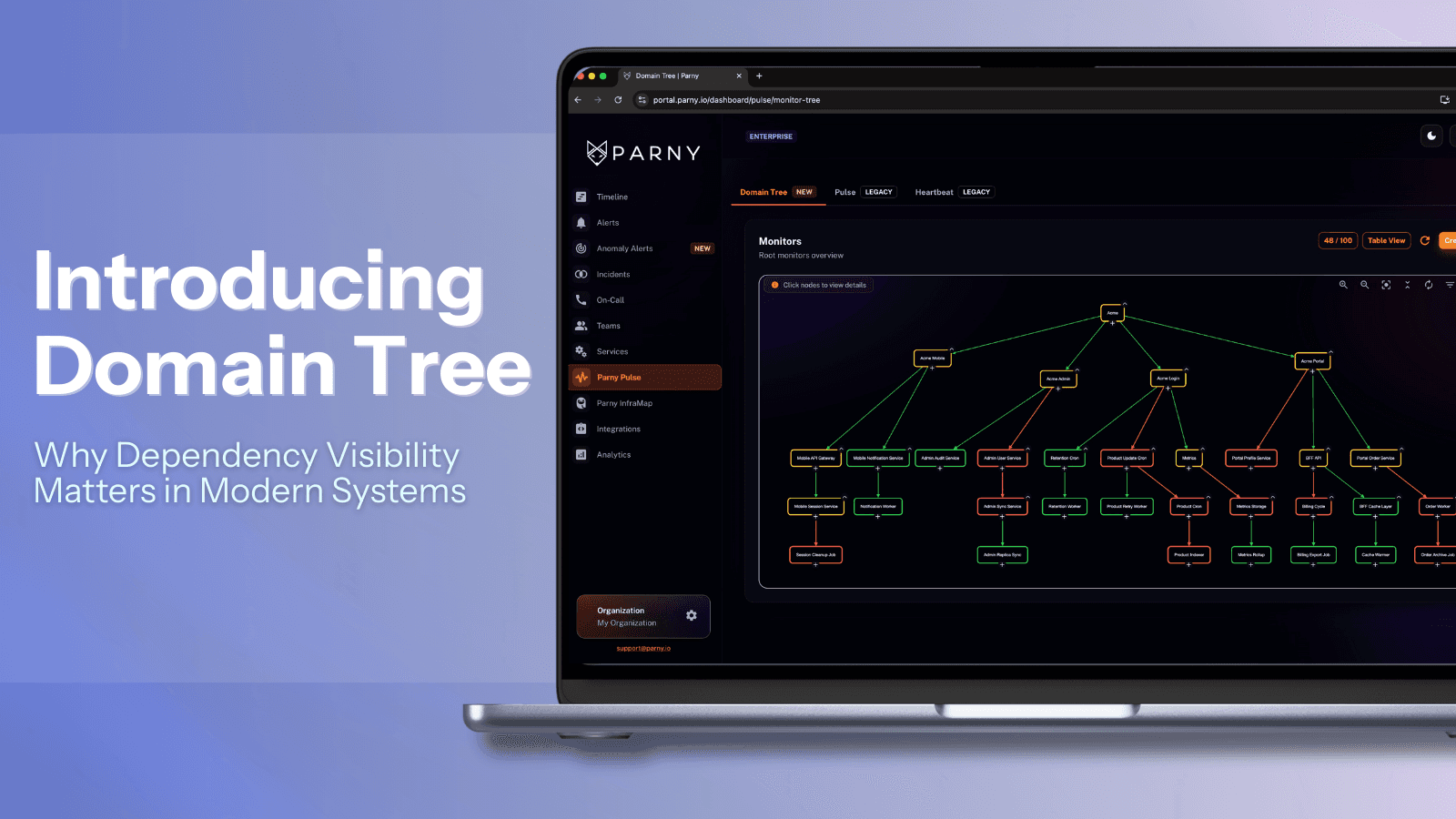
Parny is an AIOps and incident intelligence platform with built-in on-call and incident management. It connects to the monitoring tools you already run — such as Prometheus, Grafana, Datadog, Zabbix, Dynatrace and CloudWatch — and adds incident context on top of the alerts they send:
Related alerts grouped into one incident instead of separate pages
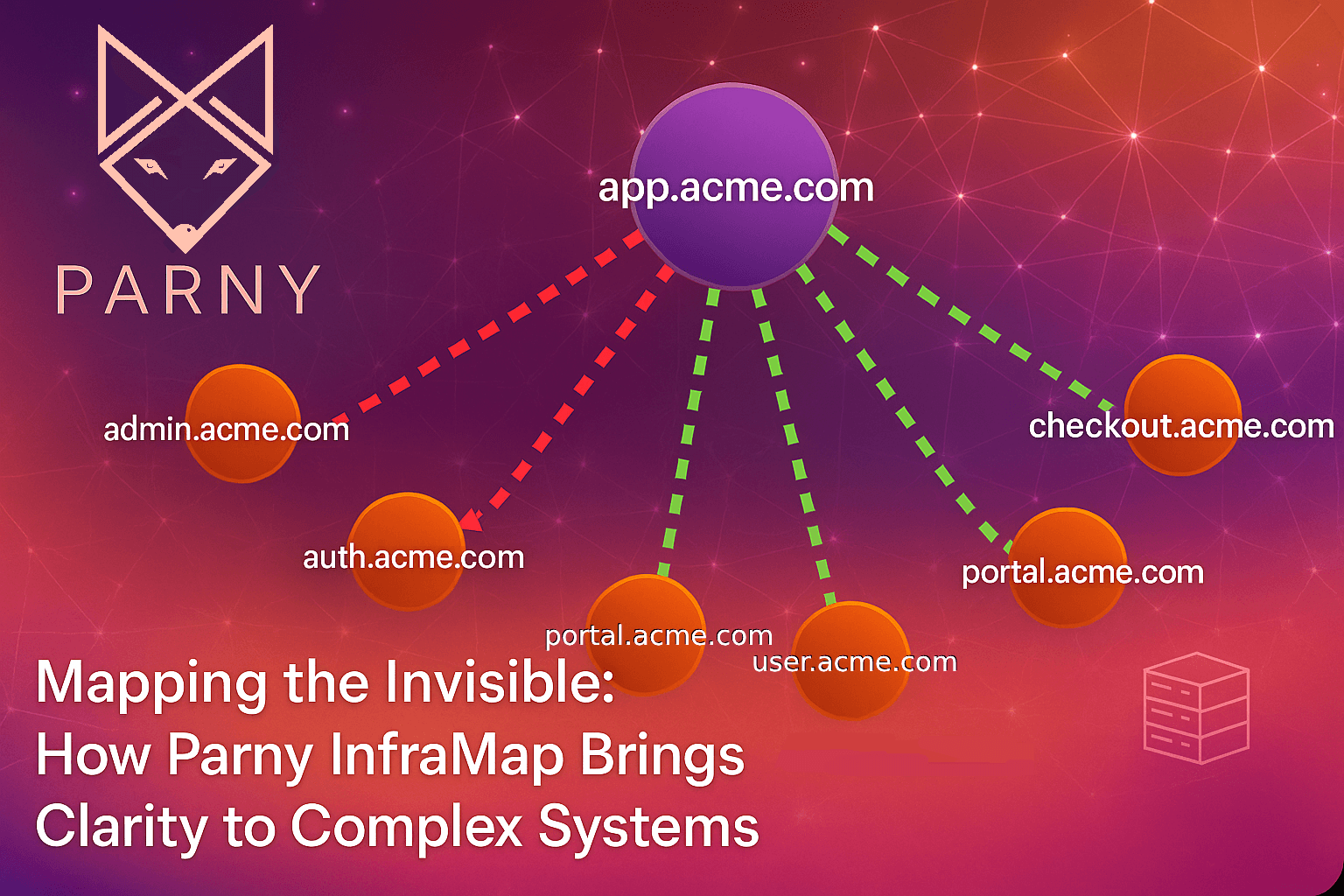
Affected services, relationships and blast radius, based on your service dependencies
A likely root cause and the first place your team should look
Prioritized next actions, so responders do not reconstruct the incident by hand
Parny does not replace your monitoring or observability tools. It sits above them as the layer your on-call team works from.
What Parny imports from Opsgenie today
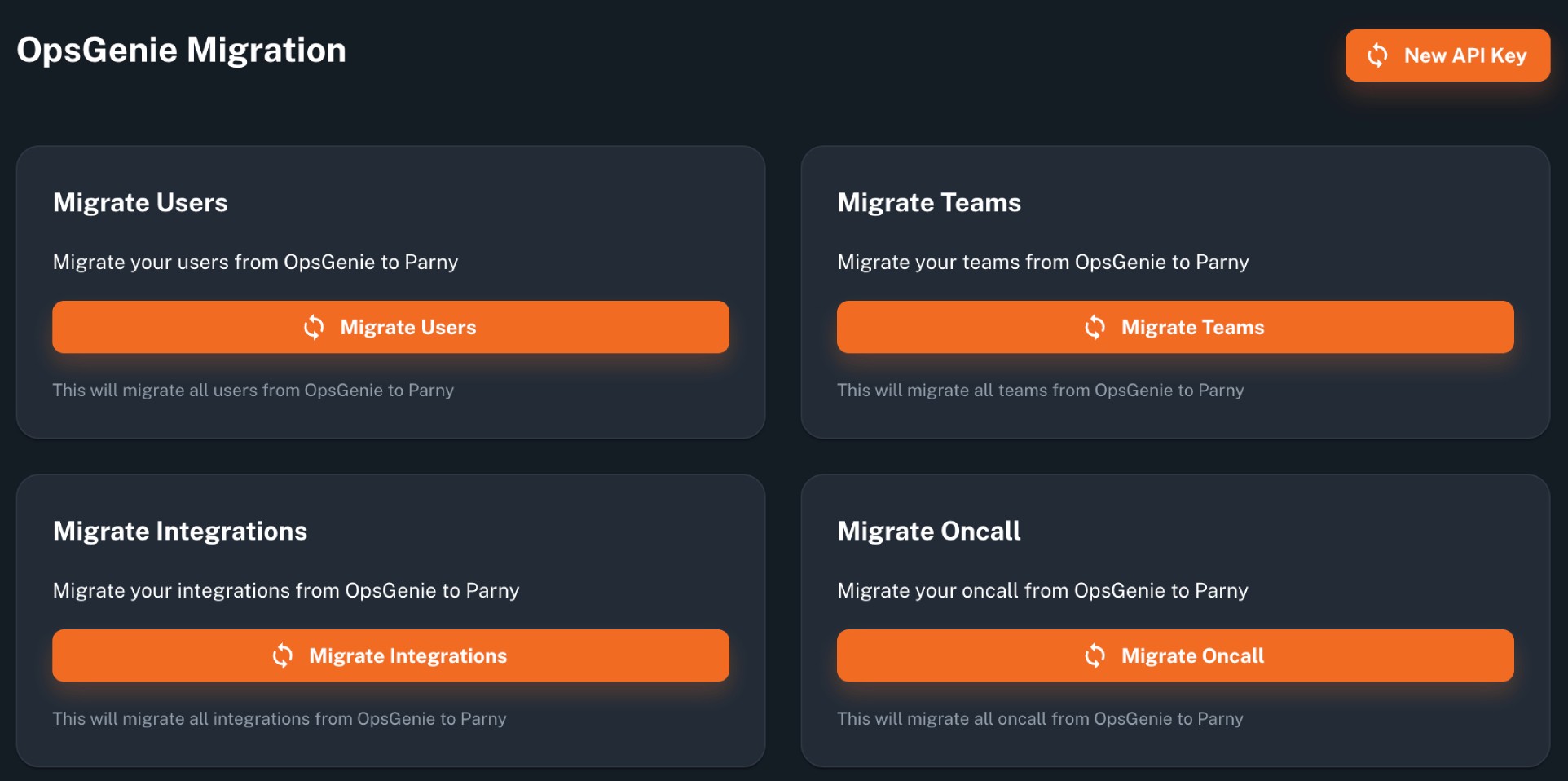
Parny includes a built-in Opsgenie migration. It reads your Opsgenie account through an Opsgenie API key and imports four areas:
Users — the people who receive alerts and respond to incidents
Teams — your Opsgenie teams
Integrations — the integrations your alerts already come through
On-call schedules — your Opsgenie schedules
You can import each area separately or run all four in order.
What you set up after the import
Rotations, escalation policies and notification settings are not migrated automatically. They are configured and validated with your team in Parny, followed by a final routing check: send a test alert through each integration to confirm it reaches the right people before you move alert routing.
How the migration runs
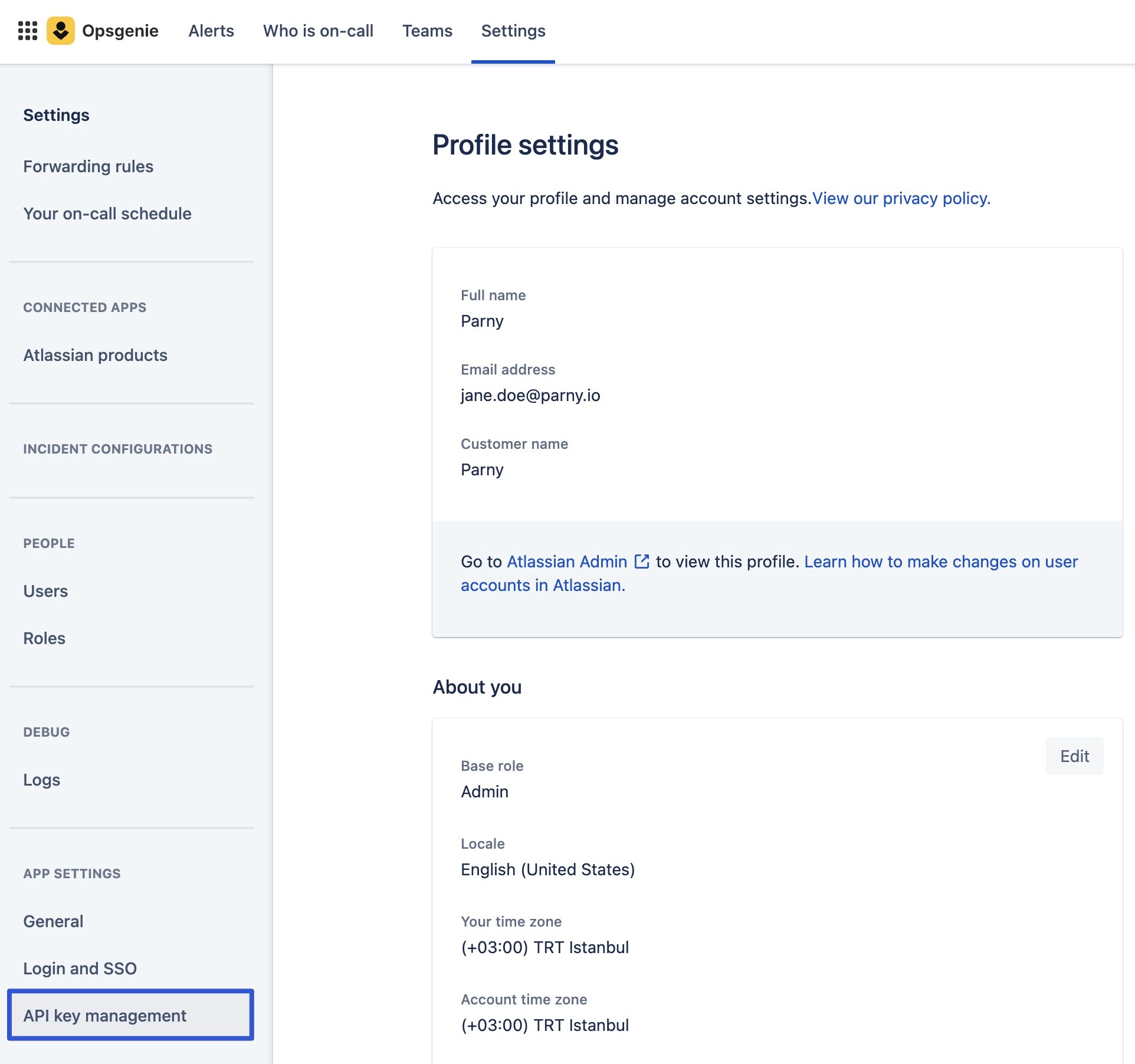
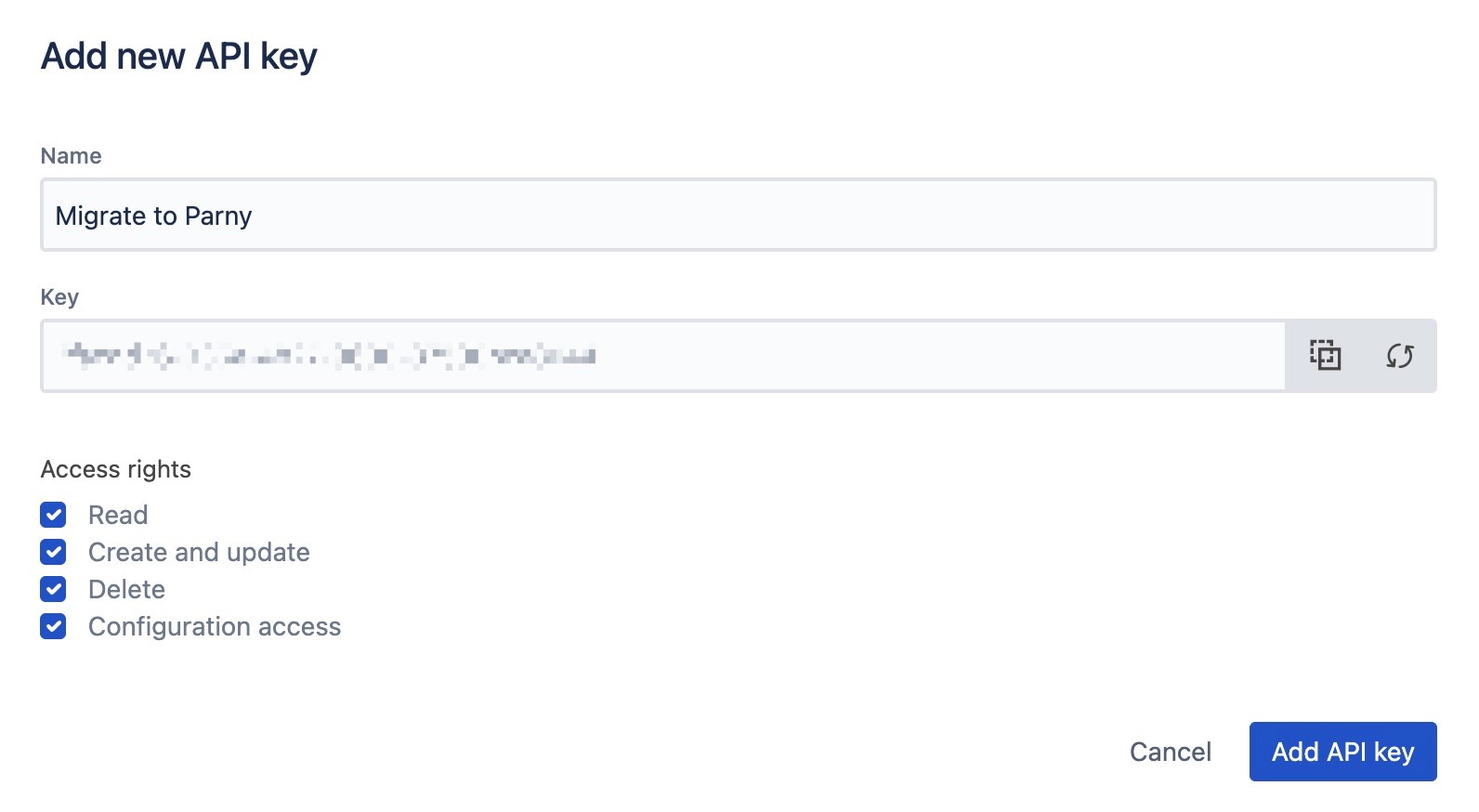
1. Create an API key in Opsgenie. In Opsgenie, go to Settings → App Settings → API Key Management and add a new API key. Only account owners and global admins can do this.
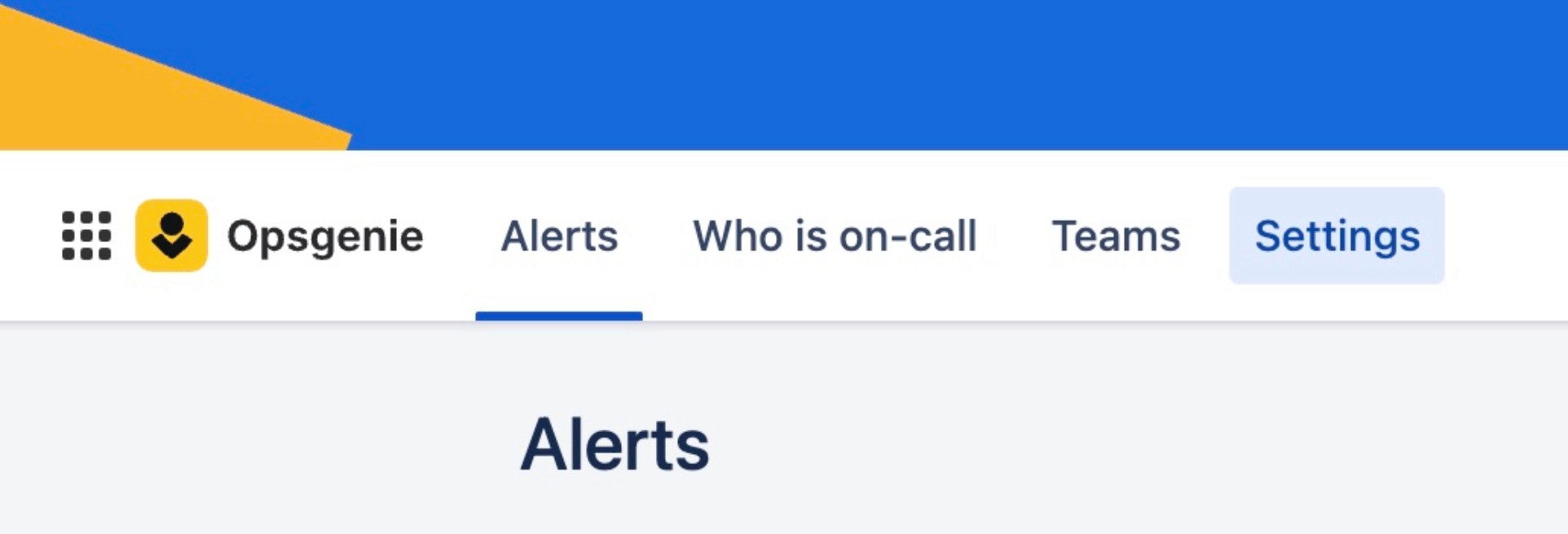
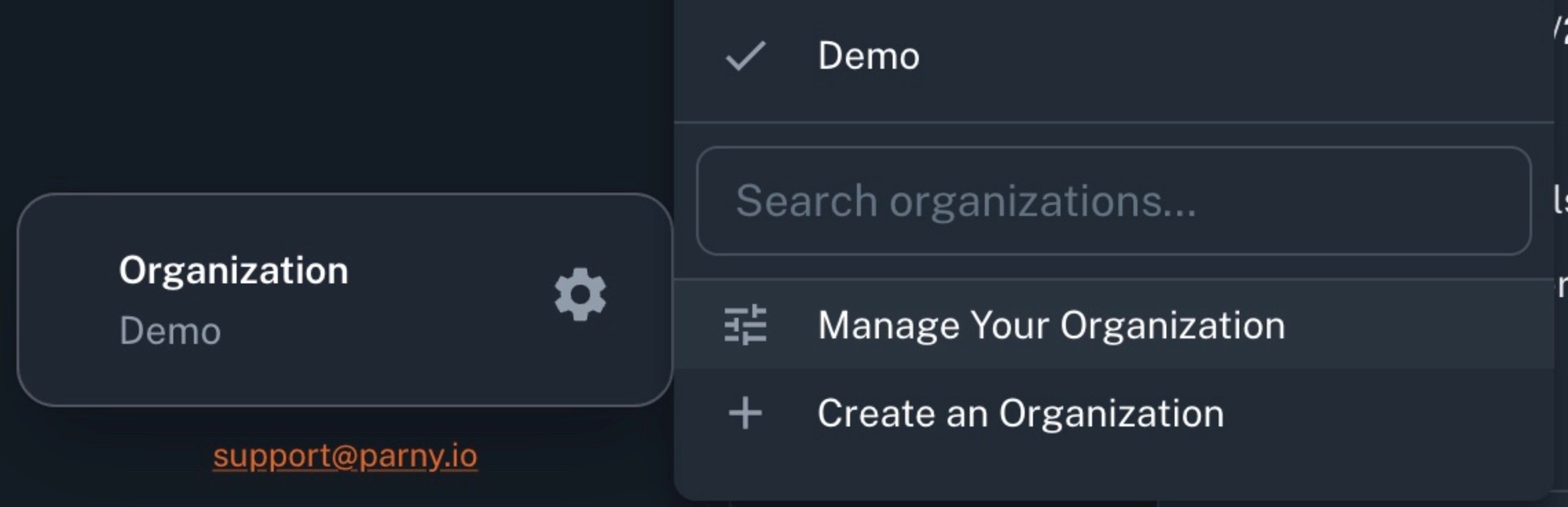
2. Open the migration in Parny. Go to Organization Settings → Manage Your Organization → OpsGenie Migration.
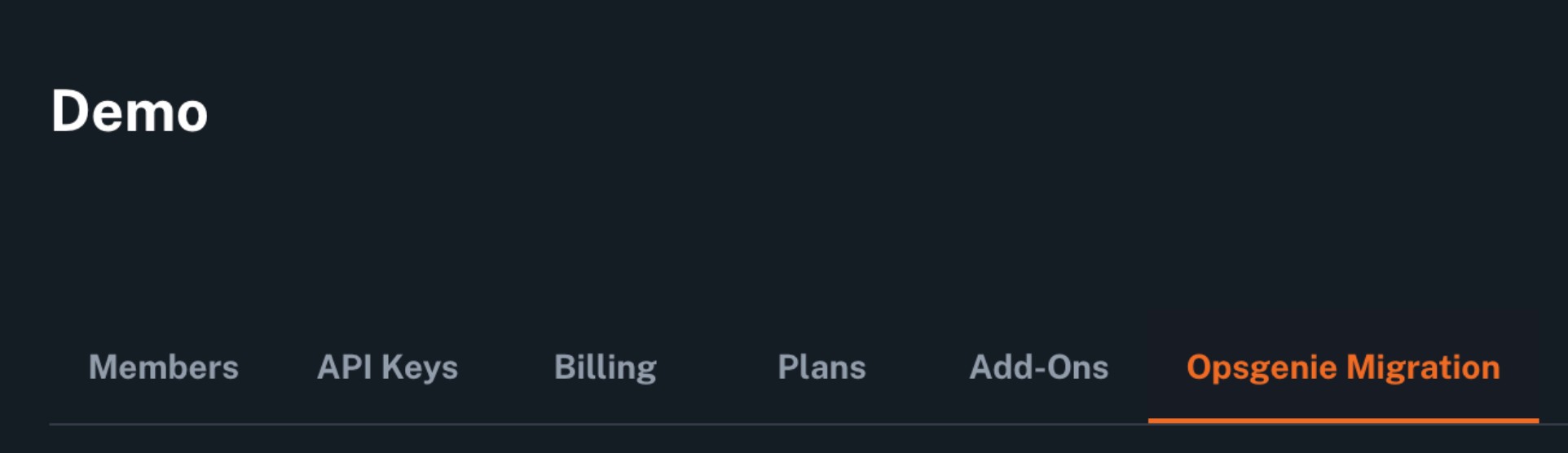
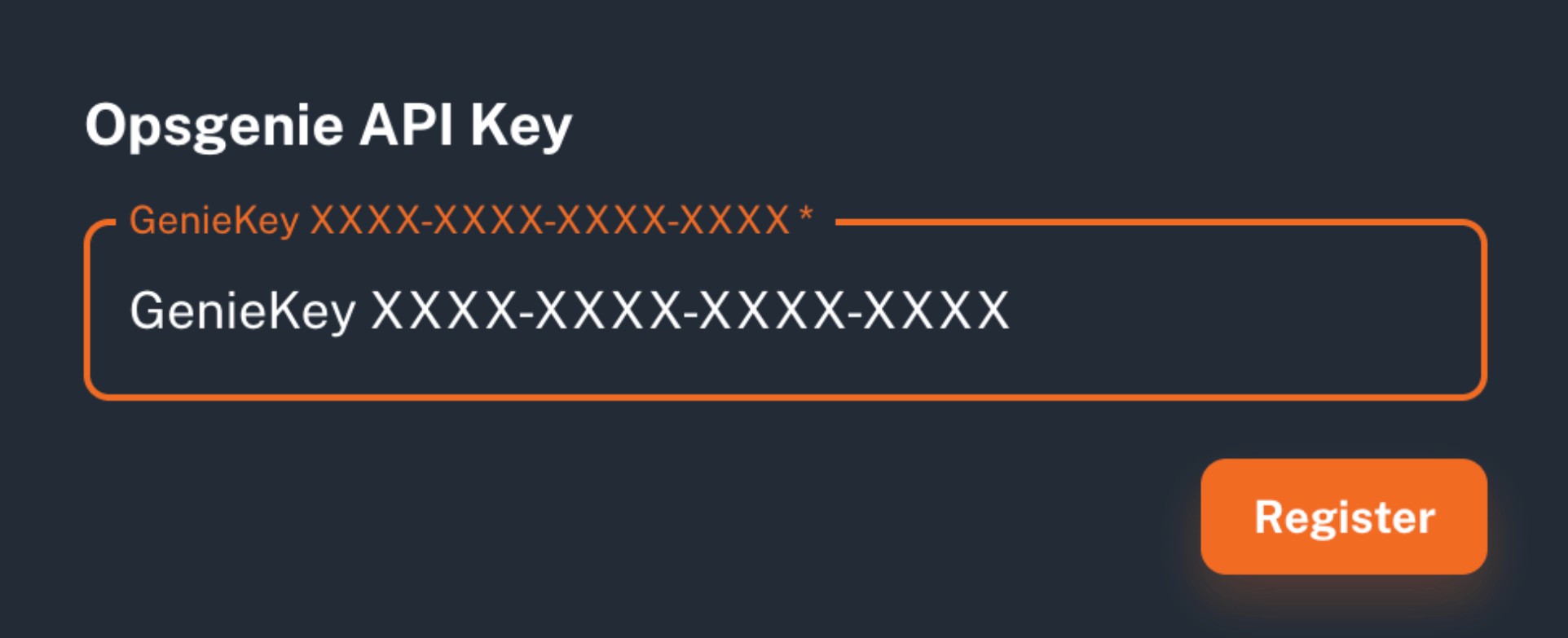
3. Register the key. Click New API Key, paste the Opsgenie key and click Register.
4. Import. Run Users, Teams, Integrations and On-call schedules one by one, or all four in order.
Opsgenie limits how often the same schedule can be read, so the on-call step keeps re-running by itself, about a minute apart, until nothing is left. Items that were already imported are skipped when you run it again, and Parny shows what was migrated, skipped or failed. How long the import takes depends on the size of your Opsgenie account.
What happens after the migration
Your monitoring tools stay in place; their alerts are handled in Parny
On-call and escalation follow the rotations and policies you configured in Parny
Incidents can include affected services, a likely root cause and suggested next actions from Parny AI, which is billed separately from On-call
Anything you still need from Opsgenie should be exported before April 5, 2027, when Atlassian deletes data that has not been moved
Frequently asked questions
Does everything in Opsgenie move over automatically?
No. Users, teams, integrations and on-call schedules are imported. Rotations, escalation policies and notification settings are configured and validated with your team after the import, followed by a final routing check before cutover.
Do we need to replace our monitoring tools?
No. Parny works with the tools that already send your alerts and adds context on top of them.
How long does the migration take?
It depends on how many users, teams, integrations and schedules you have, and on Opsgenie’s API rate limits. Plan the cutover around testing each integration rather than a fixed time.
Can we run Parny and Opsgenie in parallel?
Yes. Keep Opsgenie running while you test routing and on-call in Parny, and cut over when your team is ready.
Is there an offer for Opsgenie teams?
Opsgenie migration customers can get 6 months of Parny On-call at $0. You start with the standard Parny trial, and the 6 months apply once your paid plan starts. The offer covers Parny On-call only; Parny AI and other Parny products are billed separately. Details are on the Parny Opsgenie migration page.
Plan your Opsgenie migration
See the Parny Opsgenie migration page to start your migration or book a migration demo.
Related: Migration guide in the Parny docs · Parny On-call · Parny integrations