OPSGENIE MIGRATION PROGRAM · OPSGENIE SHUTS DOWN APRIL 5, 2027

OPSGENIE MIGRATION PROGRAM · OPSGENIE SHUTS DOWN APRIL 5, 2027

Migrate from Opsgenie to Parny.
Get 6 months of On‑call free.

Migrate from Opsgenie to Parny.
Get 6 months of On‑call free.

Opsgenie is steering customers toward Jira Service Management. Parny gives you another path: import your users, teams, integrations and on-call schedules, keep your monitoring stack, and move with our team.

Opsgenie is steering customers toward Jira Service Management. Parny gives you another path: import your users, teams, integrations and on-call schedules, keep your monitoring stack, and move with our team.

WHAT HAPPENS DURING THE MOVEOpsgenie → Parny
OpsgenieCurrent setupParnyReady4 of 4 importedUsersTeamsIntegrationsOn-call schedules

One click. Your users, teams, integrations and on-call schedules move over automatically.

PARNY AI · INCIDENT RESPONSE

Bring AI context to incident response.

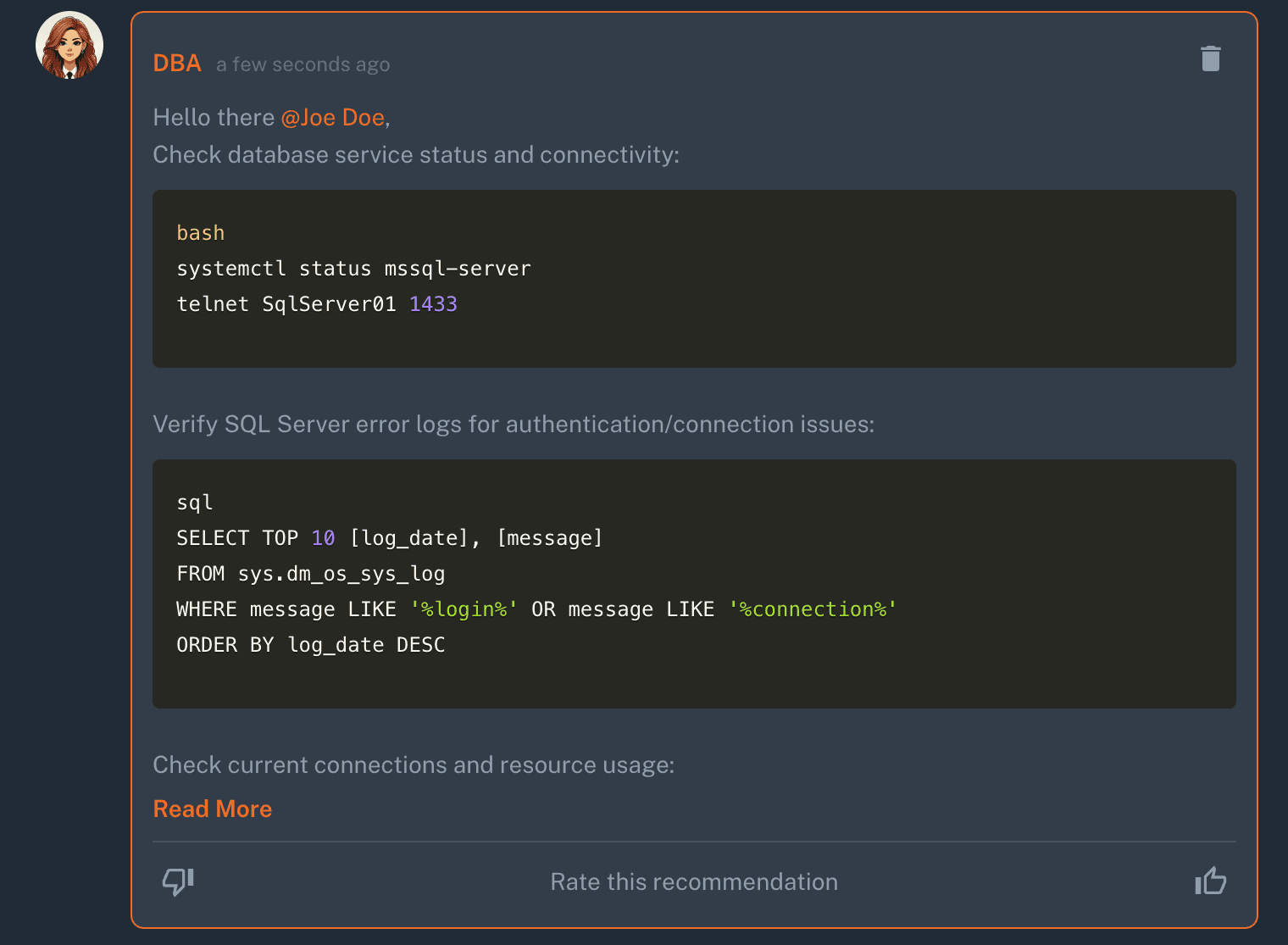
Connect alerts with infrastructure and service dependencies to understand likely causes, affected services and what to check next.

Parny AI product demo showing a PostgreSQL failure, root cause assessment, affected services and an incident action plan.
Parny AI product demo: a PostgreSQL incident and its downstream impact.

Find the likely cause

Review related alerts and the infrastructure context behind the incident.

See what else is affected

Trace service dependencies and understand how a failure may spread.

Know what to check next

Use suggested investigation steps to guide your team's response.

Parny AI is billed separately and is not included in the 6-month free On-call offer.

Teams running production on Parny

NOW

Move while you have time to test.

RUN IN PARALLEL

Validate routing, schedules and responders before the cutover.

APRIL 5, 2027

Opsgenie shuts down.

The later you start, the smaller your parallel-testing window becomes.

No magic required. Just don’t leave the cutover to April.

A migration plan, not a leap of faith.

A migration plan, not a leap of faith.

A migration plan, not a leap of faith.

We automate what can be safely imported. We review the parts that should not be blindly copied.

We automate what can be safely imported. We review the parts that should not be blindly copied.

01

Review your Opsgenie setup

Review your Opsgenie setup

We map the users, teams, integrations, schedules and routing you rely on.

02

Import + configure

Import + configure

Parny automatically imports users, teams, integrations and on-call schedules. Rotations, escalation policies and notification settings are configured and validated with your team.

03

Test and cut over

Test and cut over

Send test alerts, confirm routing and responders, then switch when your team is ready.

AUTOMATED BY PARNY

Users

Teams

Integrations

On-call schedules

DONE WITH YOUR TEAM

Rotations

Escalation policies

Notification settings

Final routing validation

Some parts should not be blindly copied. We configure and validate them with you.

View migration documentation

6 months of Parny On‑call. On us.

Migrate your Opsgenie users with Parny Migration Service and get 6 months of Parny On-call free. Available across all On-call plans.

Registration opens the standard 14-day Parny trial. The 6-month On-call migration offer is separate. Parny AI and other Parny products are billed separately.

SEE THE MIGRATION IN ACTION

45-sec migration walkthrough

The genie is retiring. No wishes required.
Fairer shifts. Flexible escalation. Multi-channel routing. Easy swaps.

Parny On‑call gives you more control over coverage, escalation and how responders are reached, without forcing your team into a rigid schedule.

Parny On‑call gives you more control over coverage, escalation and how responders are reached, without forcing your team into a rigid schedule.

Parny AI incident analysis: two independent critical incidents, a PostgreSQL primary outage and Redis memory exhaustion, with affected pools, endpoints, hosts, alerts and recommended actions

Fair shift distribution · Flexible escalation & rules · Teams · Slack · Push · Email · Voice

PARNY SHIFT

Build fairer on-call coverage.

See and balance weekday and weekend shifts across your team before the schedule goes live.

ESCALATION & RULES

Route every alert the way your team actually works.

Define who gets notified, in what order, under which conditions and how escalation continues if nobody responds.

MULTI-CHANNEL NOTIFICATIONS

Reach responders where they already work.

Send notifications through Microsoft Teams, Slack, push notifications, email and voice/VoIP, in the order and escalation flow you choose.

SHIFTS & SWAPS

Change coverage without rebuilding the schedule.

Move shifts, swap responders and adapt coverage as the team changes.

Looking for an Opsgenie alternative? JSM isn’t your only path.

Looking for an Opsgenie alternative? JSM isn’t your only path.

Looking for an Opsgenie alternative? JSM isn’t your only path.

Atlassian’s official migration path is Jira Service Management. For teams already moving deeper into the Atlassian service-management stack, that may be the right fit.

CHOOSE JSM IF

Moving deeper into the Atlassian service-management stack is the right fit for your organization.

EVALUATE PARNY IF YOU WANT TO

Keep the monitoring stack you already run

Migrate on-call and incident workflows with our team

Add infrastructure and incident context on top of alerts

The goal isn’t to replace Opsgenie on April 4.
It’s to be done before then.

The goal isn’t to replace Opsgenie on April 4.
It’s to be done before then.

The goal isn’t to replace Opsgenie on April 4.
It’s to be done before then.

Create your Parny account

What technical teams say about Parny.

What technical teams say about Parny.

“I like that Parny AI does more than display alerts. Its root cause assessment and dependency mapping capabilities help explain how a problem in one technical component may affect other services.”

“I like that Parny AI does more than display alerts. Its root cause assessment and dependency mapping capabilities help explain how a problem in one technical component may affect other services.”

G2

Öner S. · Product Development Engineer · Validated reviewer on G2

“Parny’s approach gives the root cause assessment, affected services, and recommended actions a more technically credible foundation.”

“Parny’s approach gives the root cause assessment, affected services, and recommended actions a more technically credible foundation.”

G2

Berna · SRE · Validated reviewer on G2

Read all Parny reviews on G2

Questions before you switch

Questions before you switch

Questions before you switch

What does Parny import from Opsgenie?

Users, teams, integrations and on-call schedules.

What needs to be configured after import?

Rotations, escalation policies and notification settings. We set these up with your team so paging matches how you work today.

Do we have to replace our monitoring tools?

No. Parny receives alerts from the monitoring and observability tools you already run, such as Prometheus, Grafana, Datadog or CloudWatch.

How long does a migration take?

It depends on how many teams, schedules and integrations you have. We scope it with you in the first planning call.

Can we run Parny and Opsgenie in parallel?

Yes. You can keep Opsgenie running while you test routing and on-call in Parny, and cut over when you are ready.

What happens to Opsgenie in April 2027?

Atlassian has announced the Opsgenie shutdown for April 5, 2027. Starting your Opsgenie migration earlier leaves time to test both tools in parallel.

What is included in the 6-month Parny On‑call offer?

Migrate your Opsgenie users through Parny Migration Service to qualify for 6 months of free Parny On-call on any On-call plan. There is no minimum user count or requirement to migrate a team, integration or shift. Parny AI and other Parny products are billed separately.

Plan your Opsgenie migration.

Plan your Opsgenie migration.

Walk through your current setup with us and leave with a clear migration path: what imports, what gets configured, how to test it and when to cut over.

Walk through your current setup with us and leave with a clear migration path: what imports, what gets configured, how to test it and when to cut over.